Works on All Your Devices
ZoogVPN’s Ad Blocker works on desktops, mobile devices and more:
- Computers: Windows, Mac and Linux
- Phones & tablets: iOS and Android
- Smart TVs and other devices

Ad Blocker. Surf without interruptions.
Stop intrusive ads, block known malicious sites and cut down on trackers, all built into ZoogVPN. Cleaner pages, faster loading, fewer distractions.
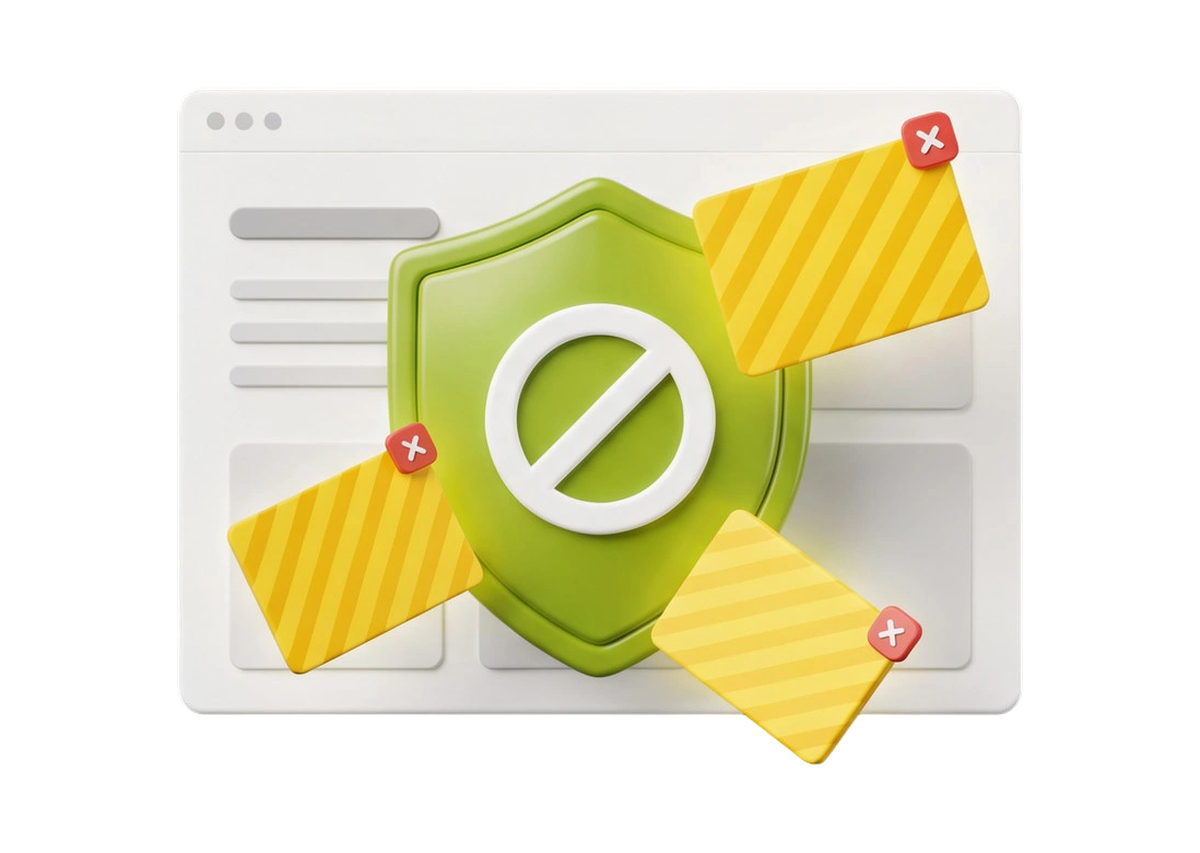
Some ads are harmless. Others slow you down, distract you, or even expose you to online threats. ZoogVPN’s Ad Blocker gives you a cleaner, safer and distraction-free internet across your devices.
It’s not just about skipping ads: it’s faster loading, better privacy and fewer chances of malware sneaking in.
This is a typical ad-heavy page. Switch ZoogVPN’s Ad Blocker on and watch the clutter, pop-ups and trackers disappear.
Click here to scan and remove 3 viruses now.
Download cleanerIllustration of a typical ad-heavy page. Real results depend on the site.
Experience the web as it should be: seamless, secure and hassle-free.
🛡️ 4 benefits
Blocks intrusive ads plus hidden trackers and known harmful sites, so websites have fewer ways to collect your data.
Get started
Stops resource-heavy ads from loading, so pages open faster and you save bandwidth, especially on mobile data.
Get started
Some ads carry malware. Ad Blocker blocks known malicious domains to cut the risk of malware and phishing.
Get started
Ads don't stop at your browser. Ad Blocker also cuts down ads in many apps on your phone and smart TV.
Streaming VPNYes, it’s that simple. Soon it will also be in the settings of every ZoogVPN app.
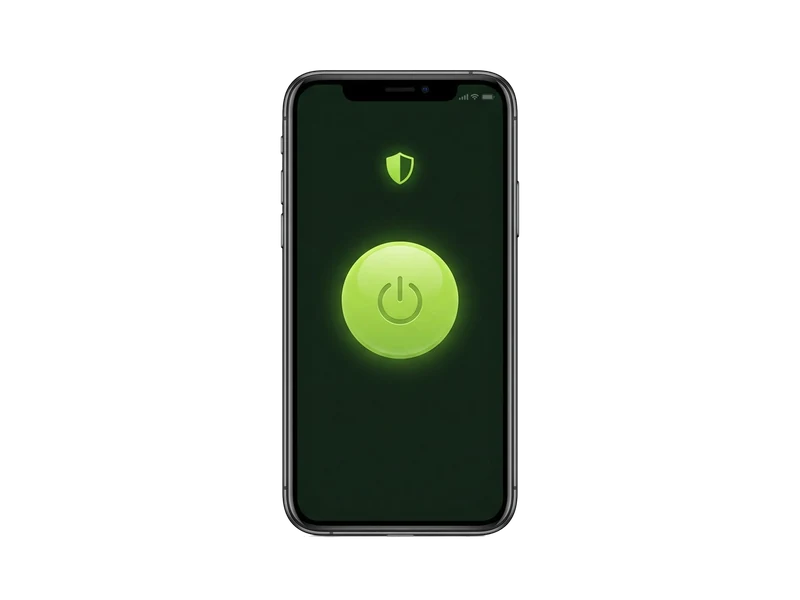
Launch the ZoogVPN dashboard on your device to set your VPN preferences.
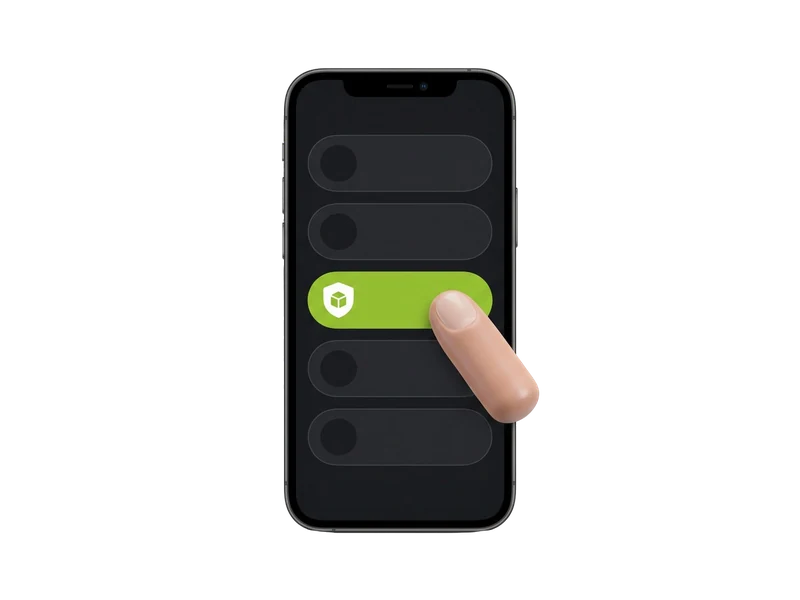
Open the menu on the left, where you manage and customize your VPN.
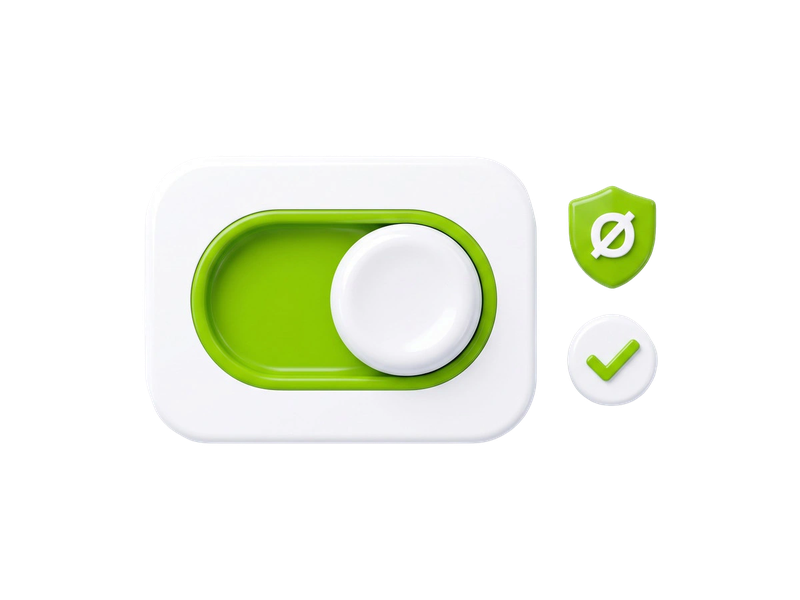
Find ‘Ad Blocker’ and switch it on. It works across your browsing and streaming once you connect.
Works quietly in the background while you browse, stream or game.
Runs quietly in the background to cut ads across apps and websites, whether you're browsing, streaming or gaming.
Get started
Blocks many third-party trackers that quietly collect information about your browsing habits and preferences.
No-logs policy
Switch it on in the ZoogVPN app with no technical know-how. You control when and where ads are blocked.
Get started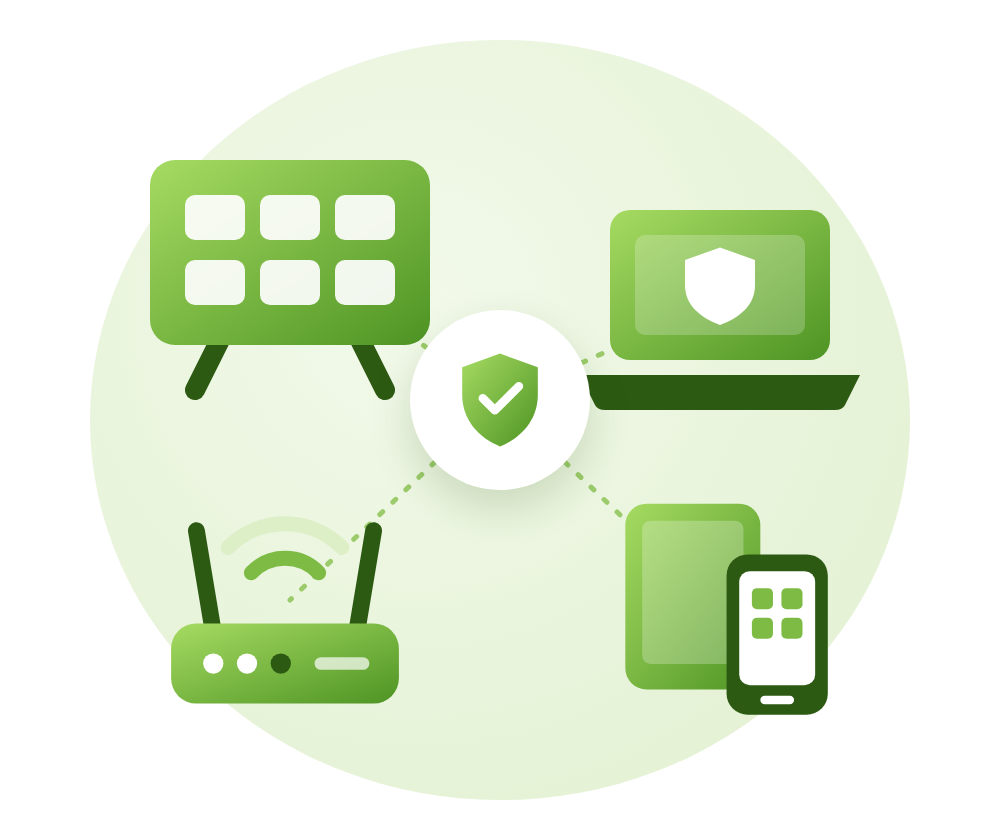
ZoogVPN’s Ad Blocker works on desktops, mobile devices and more:
Everything about ZoogVPN’s Ad Blocker.
It filters ads on a wide range of websites and apps, including social media, news sites and streaming platforms. No ad blocker can catch 100% of ads, but ours uses frequently updated blocklists to keep interruptions to a minimum.
It helps. Blocking third-party trackers and known malicious sites means fewer companies collecting data about your browsing. Combined with ZoogVPN’s encryption and no-logs policy, your activity stays far more private.
No. Ad Blocker works while you’re connected to ZoogVPN, so connect to any server to use it.
It blocks most display ads, pop-ups, banners and many trackers. Ads served from the same address as the content itself, such as some video ads inside streaming apps, can’t always be blocked.
Usually it improves it. Pages load fewer heavy ads and scripts, so they often open faster and use less data.
Fast, safe and with far fewer ads. Get rid of intrusive ads, protect yourself from malicious sites and browse with confidence.