Browse Without Leaks
DNS leak protection, an anonymous IP and a built-in Kill Switch, working together in every ZoogVPN app.
Get started today. No credit card required.

Advanced leak protection
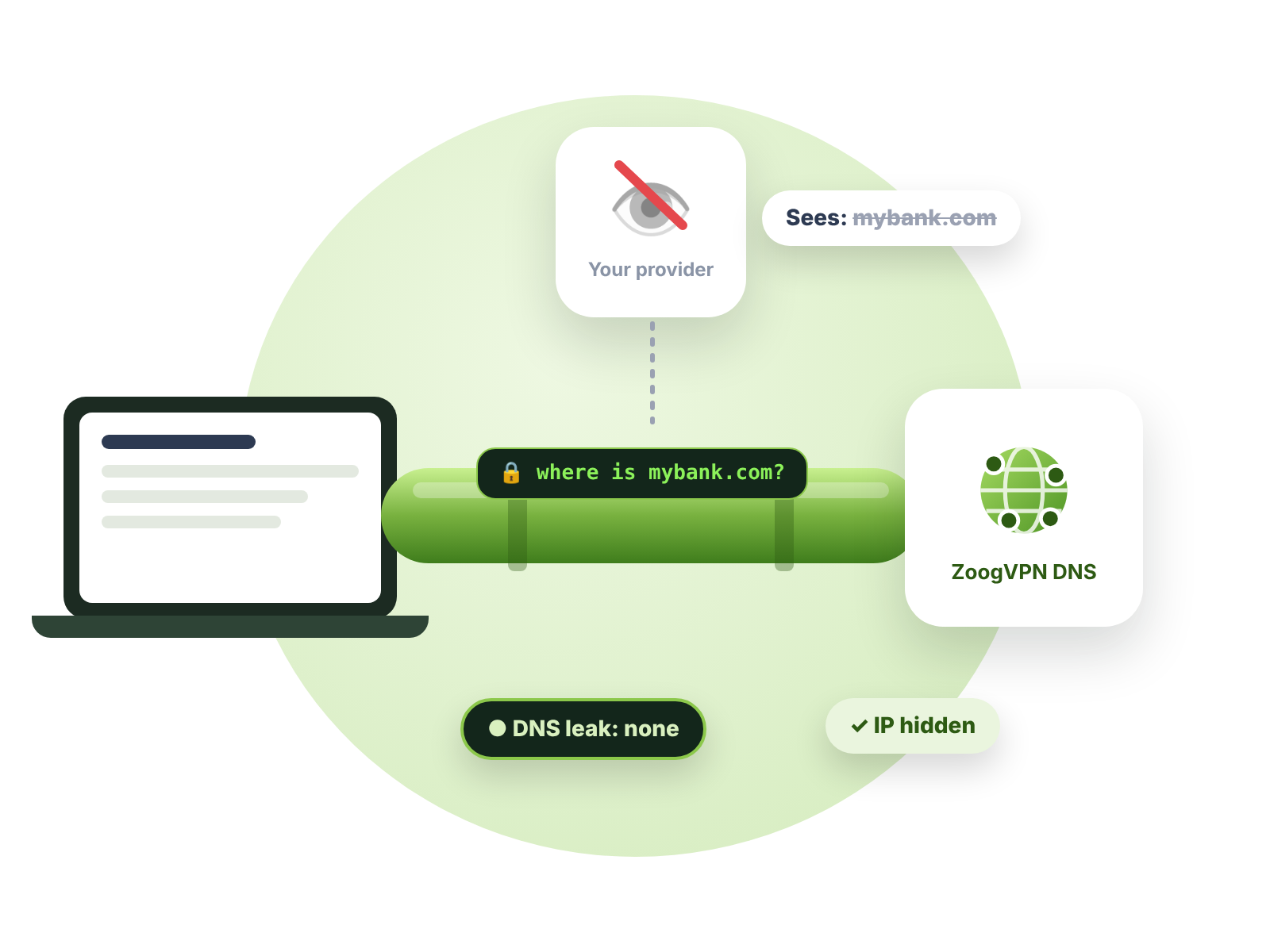
Encryption alone isn’t enough if your DNS requests or real IP slip out. ZoogVPN’s apps are built to keep both inside the VPN, so your internet provider can’t see where you go online.
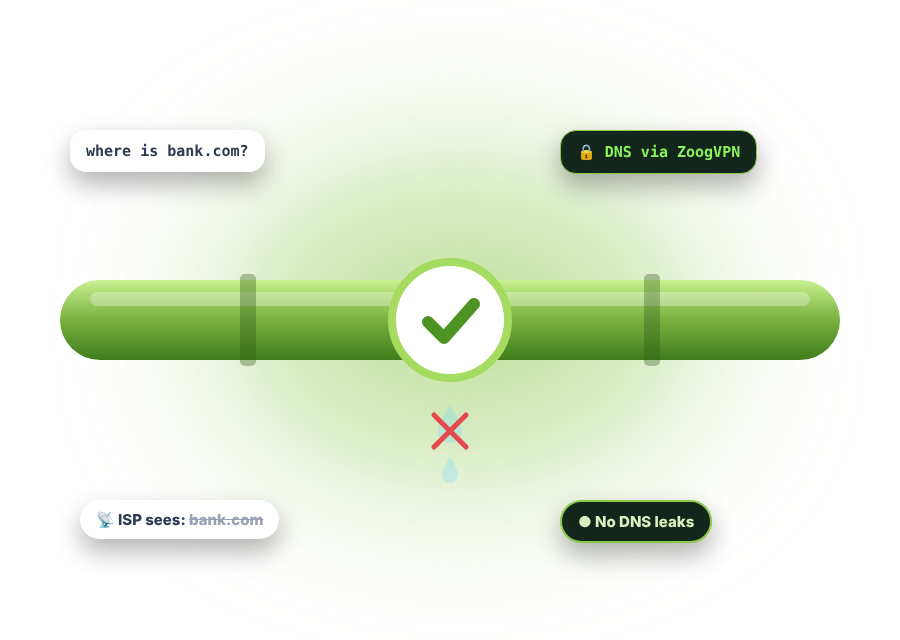
Before you reach any website, your device sends a DNS request asking for that site’s IP address. Usually your internet provider answers these requests. When you use a VPN, they can still go to your provider unless the VPN has DNS leak protection.
That’s a DNS leak: your VPN is on, but your provider still sees every site you look up.
Pick a website to “visit”. With leak protection off, the question “where is this site?” goes to your internet provider. Switch it on and watch it travel through ZoogVPN instead.
This demo is an illustration. Nothing you click is sent anywhere.
Regular VPNs encrypt your data, but that doesn’t guarantee your DNS requests and IP address stay hidden. ZoogVPN protects both.
ZoogVPN’s apps are set up so your DNS requests don’t go to your internet provider. Our own DNS servers answer them inside the encrypted tunnel instead.
Every website you visit sees an IP address. With ZoogVPN, it’s an anonymous one. The built-in Kill Switch blocks your internet if the VPN connection drops, so your real IP isn’t exposed.
If you're serious about privacy, these make the biggest difference.
Turn on Kill Switch whenever you browse, so a dropped connection never exposes your IP.
Kill Switch
Leak protection is built into our apps, so use them rather than a manual setup where possible.
Download
Run our free DNS and WebRTC leak tests anytime to confirm nothing is slipping out.
DNS leak testPlain answers about DNS and IP leaks.
When your VPN is on but your DNS requests still go to your internet provider. Your traffic is encrypted, but your provider can still see which sites you look up.
Yes. ZoogVPN’s apps send your DNS requests to our own DNS servers inside the VPN tunnel, not to your internet provider.
When your real IP address becomes visible even though you’re using a VPN, most often because the VPN connection drops for a moment. ZoogVPN’s Kill Switch blocks your internet when that happens.
Connect to ZoogVPN, then run our free DNS leak test and WebRTC leak test. You should only see ZoogVPN’s servers, not your provider.
DNS leak protection works automatically in our apps. For full IP leak protection, turn on Kill Switch in the app’s settings.
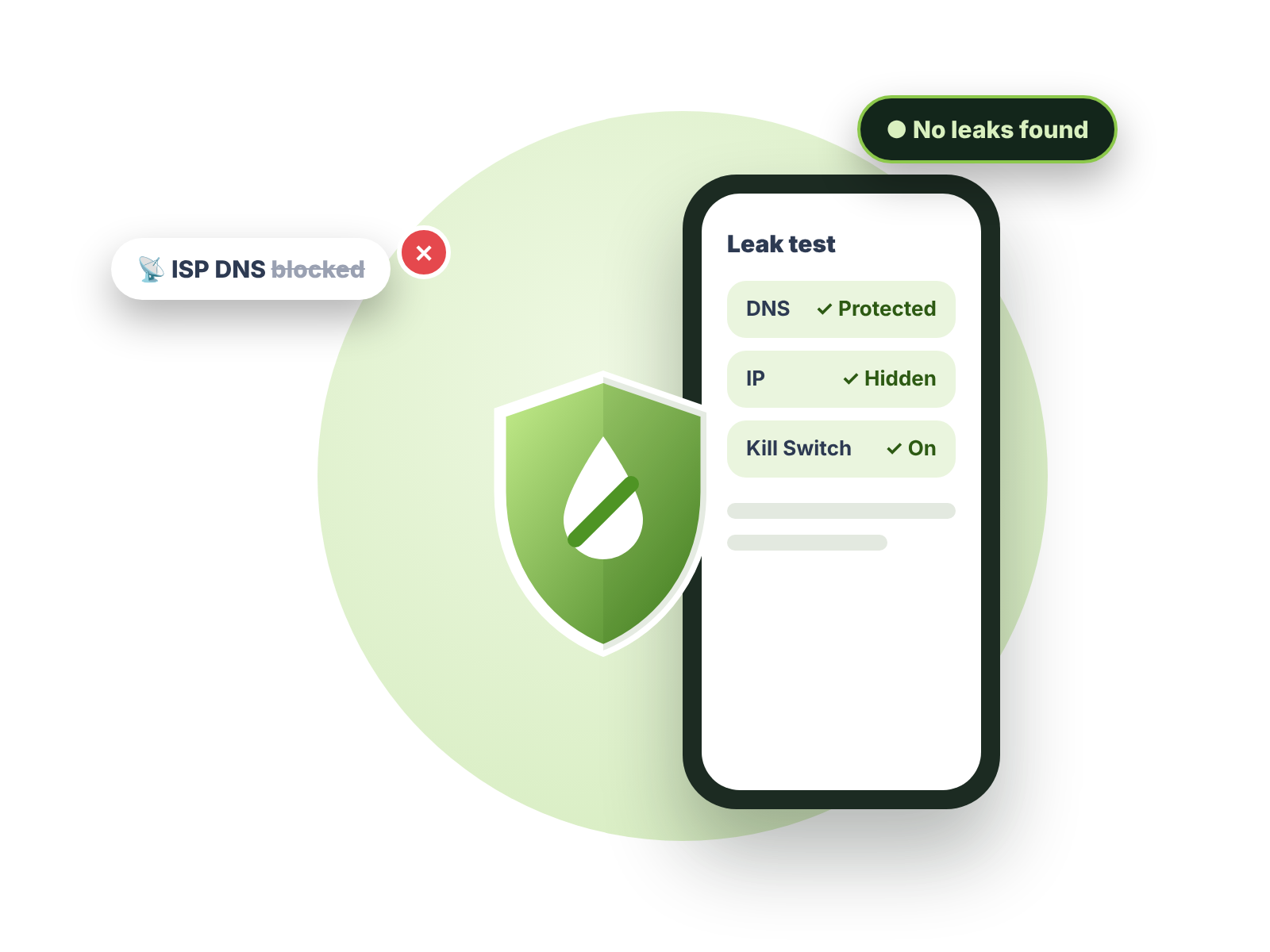
DNS leak protection, an anonymous IP and a built-in Kill Switch, working together in every ZoogVPN app.
Get started today. No credit card required.
DNS and IP leak protection, a built-in Kill Switch and zero logs, on up to 10 devices.